
Most data breaches don’t happen because systems fail. They happen because people make routine errors.
![]()
Most data breaches don’t happen because systems fail. They happen because people make routine errors.
![]()
Fake calendar invites have been a problem on Gmail for years. Even though they could appear on other calendar services, I hadn’t seen or read about a lot of it. Gmail had been taking the brunt of the fake calendar invites.
![]()
Email attacks have become one of the key ways for hackers to target organizations and individuals. The sheer number of tools available has made it easier than ever for non-technical cybercriminals to launch sophisticated cyber attacks. As a result, many resources are available for each stage of the kill chain – from reconnaissance to delivery to weaponization.
![]()
|
“A very timely and important topic. Thank you!” “More people need to take this training!” |
Training Module, Document and Poster |
|
“Short and fast, but simple and effective!”
|
Social Engineering Awareness for Retail |
|
“Awareness is key to stopping fraudulent schemes. I think all workplaces should have this kind of training.” |
Social Engineering Awareness for Construction |
|
Dreaming with AI: Enhancing Software Development with AI Tools |
Hacktive Investigations Series (5 Episodes) |
|
Strong Passwords, Secure Accounts |
|
Business Continuity Basics: What Every Employee Needs to Know |
Cybersecurity Awareness: Digital Defense Essentials |
|
Digital Cleanup Day |
Do Your Part on Digital Clean Up Day |
|
One Report, Shared Protection |
Privacy by Practice: 6 Steps to Protecting Your Digital Identity |
|
Real or Fake? Spotting Deepfakes |
Security Strategies for Help Desk Professionals |
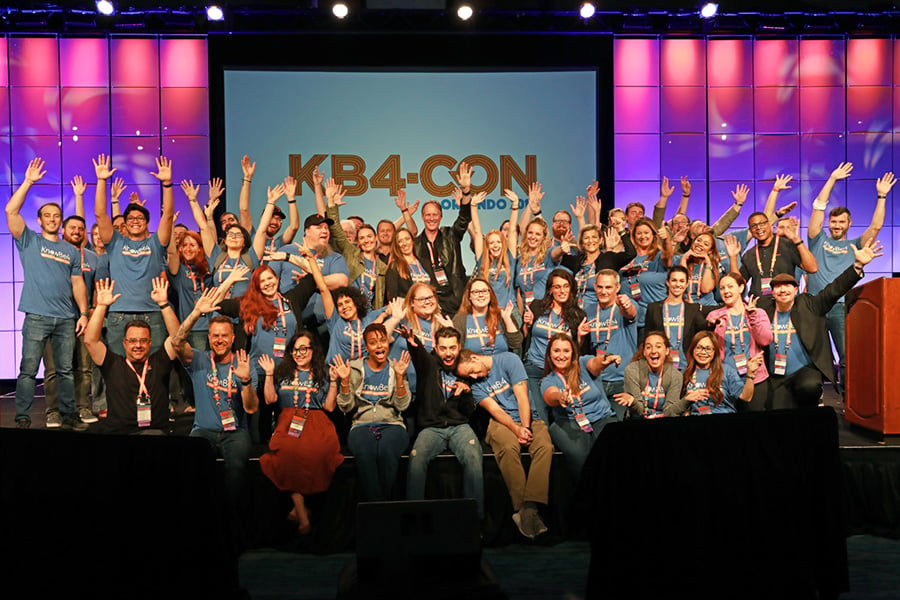
The workplace has evolved, and so has the threat landscape. At KB4-CON 2026, we aren’t just talking about the future. We’re bringing the experts who are currently building it.
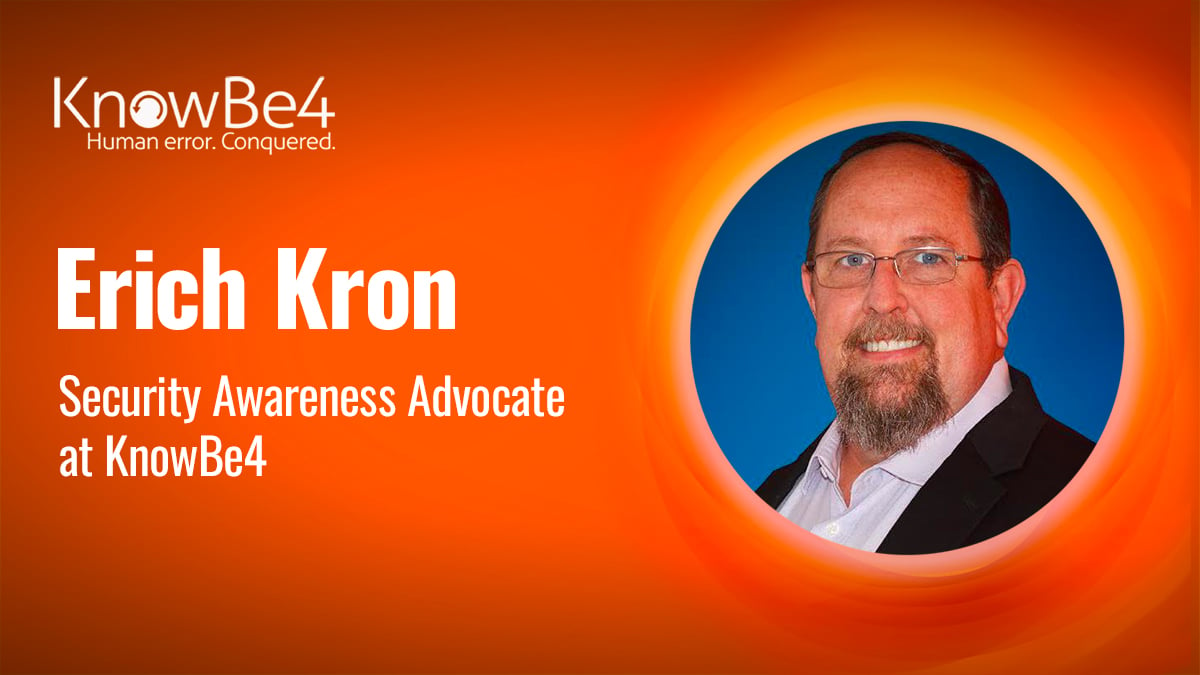
We are thrilled to announce that our world-class CISO Advisors will be out in full force this year. Industry veterans like Roger A. Grimes. Perry Carpenter, Javvad Malik, Erich Kron and Martin Kaemer are stepping away from their own command centers to join us in Orlando from May 12–14. They’ll be sharing the raw ‘ground truth’ on how to secure a workforce that now includes both humans and AI agents.
Don’t like to click on redirected links? Copy and paste this into your browser: https://knowbe4.cventevents.com/gB4YnZ?RefId=EmailContentUpdate
NEW! – AIDA Orchestration
We are excited to introduce AIDA Orchestration, the first fully autonomous AI agent for human risk management. It continuously evaluates user risk and automatically delivers the right phishing simulations, training and reinforcement at the right time. Instead of relying on static campaigns and manual decision-making, it transforms your security awareness training program into an always-on system that adapts to user behavior and helps you reduce human risk without adding more work for your team.
AIDA Orchestration operates as the control center for our suite of Artificial Intelligence Defense Agents, making it faster and easier than ever to manage risk. Learn more about AIDA here: https://www.knowbe4.com/products/aida
To see all the features of the KnowBe4 platform, request your demo today!
Don’t like to click on redirected links? Copy and paste this into your browser:
https://info.knowbe4.com/kmsat-request-a-demo-content-update
![]()
Messaging platforms are now a major vector for phishing and other social engineering attacks, according to a new report from NCC Group’s Fox-IT.
![]()
Email-based threats are evolving faster than traditional solutions can keep up. According to Verizon’s 2025 Data Breach Investigations Report, the use of synthetically generated text in malicious emails has doubled over the past two years.
![]()
The U.S. public sector faces unique challenges as it is tasked with safeguarding the most sensitive data of citizens, all while maintaining the critical infrastructure that keeps society functioning.
![]()
Spear phishing is on the rise in the US and is quickly becoming the biggest cybersecurity threat for businesses. With more sophisticated, human-like emails and a greater reliance on email communication in general, it can be difficult to spot a standard phishing attack, let alone a spear phishing one.
![]()